Something that continually causes frustration for me and likely many others is the layout of the Microsoft Entra admin centre and the fact that it often undergoes design changes. Specifically, in my case, it comes down to the layout of the menu items.
Examining the Entra default layout, it does make sense for common administrative tasks. If you think about it:
You start with an Overview to see the general status.
Next, you manage the core building blocks of your directory: Users, Groups, and Devices. These are the fundamental objects you’ll interact with daily (or so assumed…)
Then, you deal with how these objects access services via Enterprise apps and App registrations.
After that, you define who has what power with Roles & admins.
The rest of the items are conveniently clustered by relation or meaning (aka Thematic Clustering), for example: Conditional Access, Multi-Factor Authentication, Identity Security Score, Authentication Methods and Password reset. These are all focused on security.
The point is that clustering the menu items by meaning is subjective. When done right, it can help reduce cognitive load, especially while someone is exploring around and learning the product. On the other hand, for users who are neurodivergent, who may experience challenges with focus, a structured a predictable menu, organised alphabetically, can be incredibly beneficial, allowing for a more direct and less mentally taxing selection process. Even more so for experienced users who know what they are looking for.
By not giving users the ability to cater for these differences, a subset of users may be more impacted by ongoing design changes. That’s why I have created EntraSort.
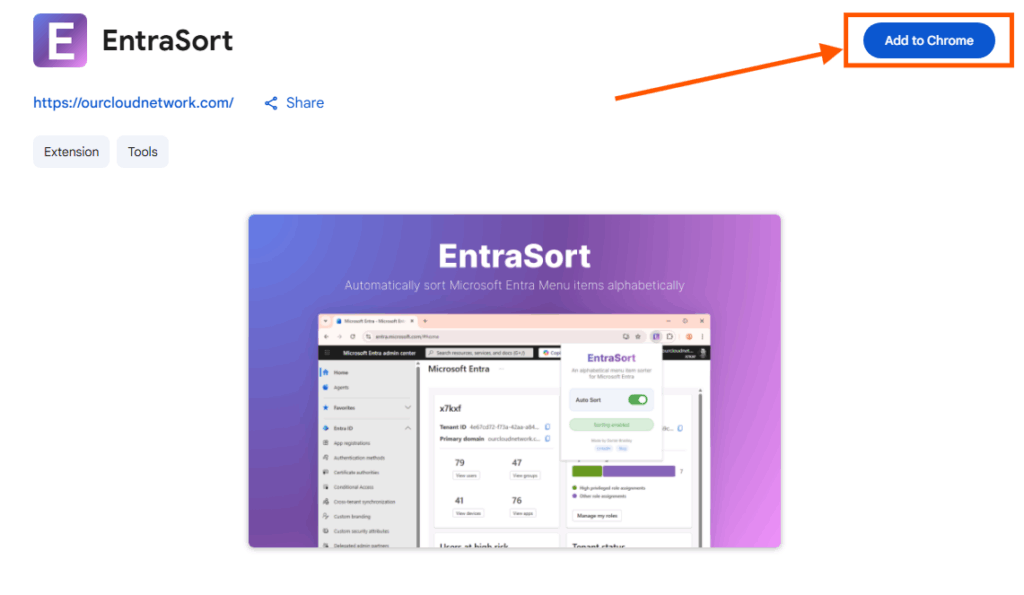
EntraSort allows you to conveniently and quickly organise Microsoft Entra menu items alphabetically at the click of a button. The browser extension can be downloaded from the Chrome Store here.
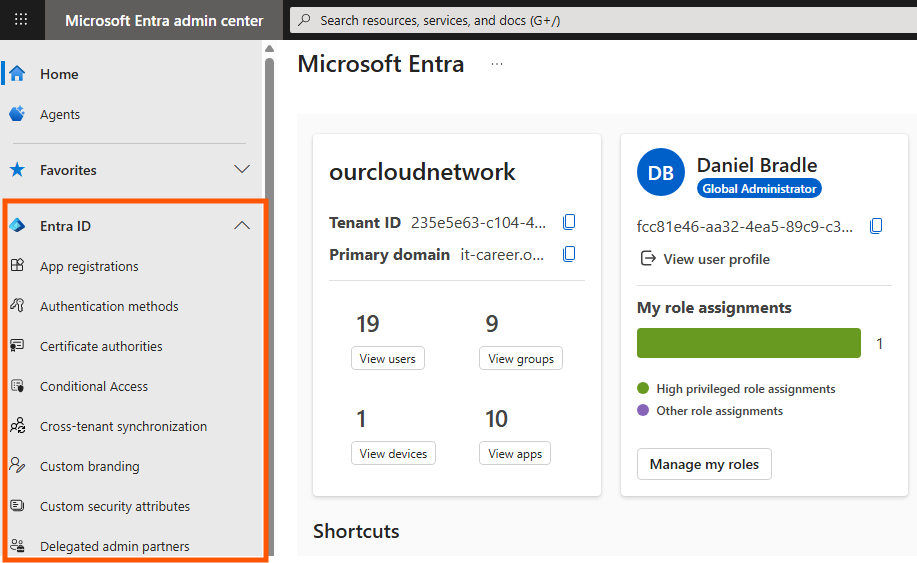
Once installed, just navigate to or refresh the Microsoft Entra admin portal, and you will see the menu items have been alphabetically sorted.
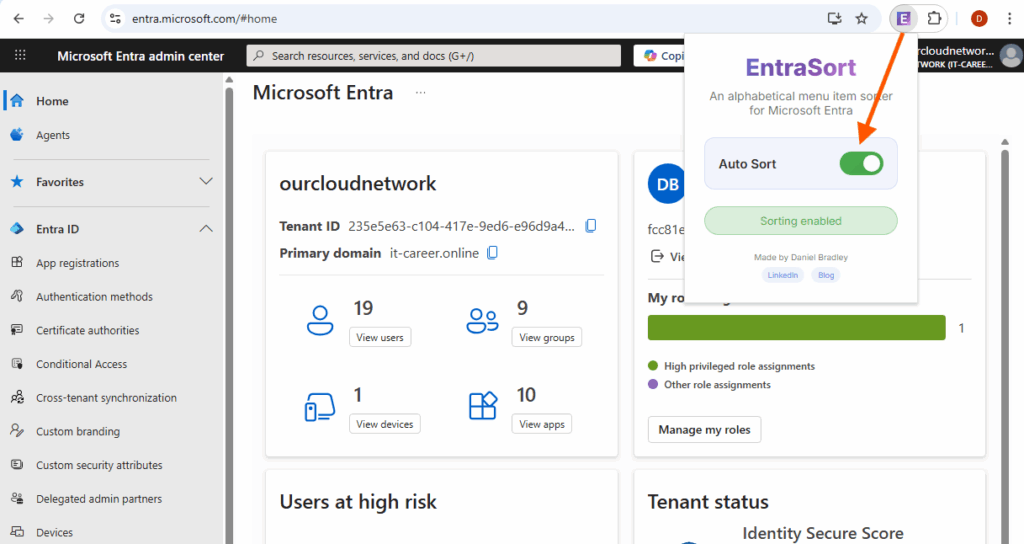
The sorting mechanism can be automatically turned on or off using the popup window for the extension.


Thanks for the nice extension but is there something for Edge to use?
You should be able to install it in Edge just fine, have you tried?
Hey, very handy extension, only thing I’d prefer is if “overview” stayed at the top.
Thanks!
Great idea, so maybe the ability to pin items?