

Even with soft delete enable in Entra, an administrator can still delete a directory object and permanently remove it before anyone realises what has happened, but now, Microsoft’s new Hard Deletion Protection capability in Entra Backup introduces a seven-day block on that second step for selected objects. The documentation updated on 5 November include capable protection for users, cloud-only groups, applications and service principals, although on-premises synchronised users are excluded.
Once you enable hard deletion protection protection, someone can still soft delete the object, but Entra blocks permanent deletion during the first seven days afterwards. You can restore it during that window, and protection remains enabled if you do, with a fresh seven-day window starting if someone soft deletes it again.
This is particularly welcome when someone deletes an account and then tries to remove it from the recycle bin to prevent restoration (or maybe to reuse the UPN). Of-course the feature does not prevent the initial disruption caused by soft deletion thought, so you still need to detect the incident and act, or protect the act in the first place.
To configure it, open the Hard deletion protection blade in Entra Backup and recovery with the Microsoft Entra Backup Administrator role, select Add protection, choose your objects and save. Thankfully, no additional licence is needed to use this feature, and you can select up to 20 objects of one type per operation.
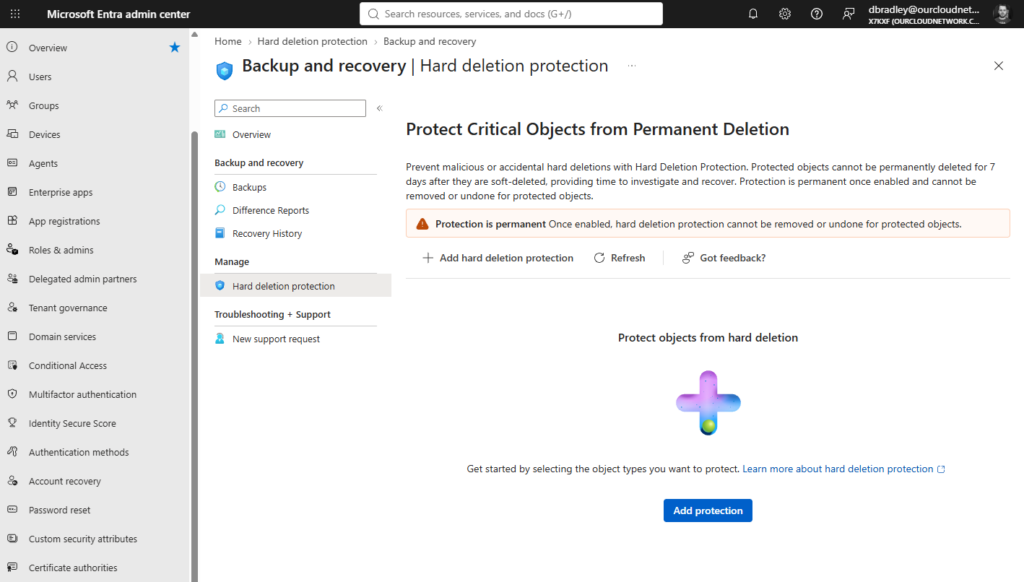
Once you click Add protection, follow the wizard to enable protection for specific, critical resources only.
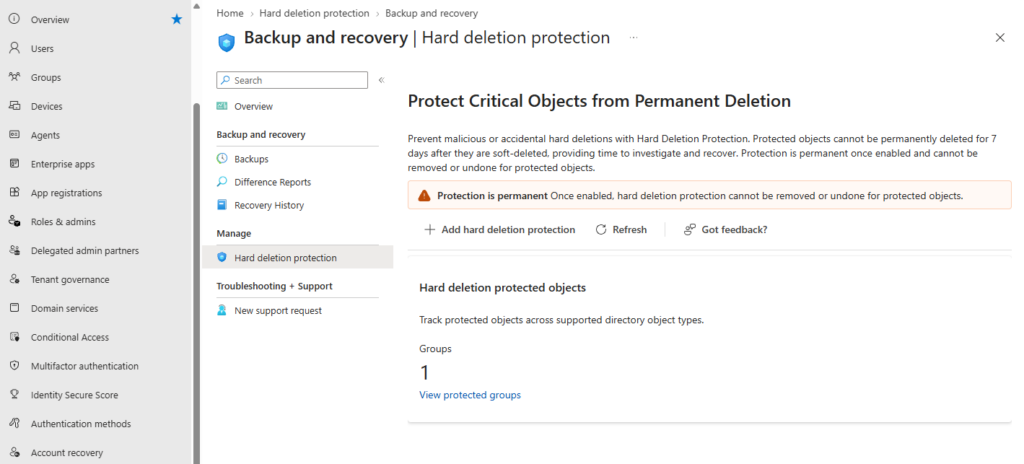
For example, above I have enabled protection for a single high-value group. This feature is not designed to enable blanked protection across all resources of a particular type.
Consider your selection carefully though because enabling protection is permanent and cannot be undone, although permanent deletion becomes possible once the seven-day window expires. This could be troublesome for user object in some rare cases.
This new capability complements Protected Actions, where you can associate the microsoft.directory/deletedItems/delete permission with a Conditional Access authentication context. That lets you require phishing-resistant MFA before a user permanently deletes supported directory objects, while Hard Deletion Protection blocks deletion during its protection window even when the user satisfies the authentication requirement.
Protected Actions requires Entra ID P1 or P2, unlike the protection available here without an additional licence.
