Microsoft are soon giving you a way to change individual Security Defaults protections without switching off the entire baseline, although you will need an invitation to try it while it is in private preview. The documentation update published on 14 October describes a private preview for selected Microsoft Entra ID Free tenants, with controls that require no P1 or P2 licence.
The updated experience separates the baseline into four Microsoft-managed rules covering administrator MFA, all-user MFA, legacy authentication blocking and device code flow blocking. Microsoft still controls these rule definitions, while you can review each rule’s scope and decide which protections remain enabled in your tenant.
The all-users MFA rule also broadens the existing behaviour from requiring MFA when necessary to requiring it for sign-ins within the rule’s scope. That does not mean users receive a fresh prompt at every sign-in, because an existing valid MFA sign-in can satisfy the requirement, but something to consider if you are interested in this capability when it hits public preview.
If you need custom Conditional Access policies, the updated baseline can run alongside them, removing the requirement to disable Security Defaults first. Microsoft haved described managing the baseline through Security Defaults for Free tenants and a Microsoft-managed Security Defaults policy plan in Conditional Access for P1 or P2 tenants, although creating custom policies still requires the appropriate premium licence (and of-course is the preferred approach in my opinion).
That coexistence does not create an override mechanism though, since a sign-in must satisfy every applicable rule and policy just like Conditional Access. Even turning off the administrator MFA rule can leave administrators covered by the all-users rule, so I would check the overlapping scopes before assuming a toggle has removed a requirement.
Of-course just a reminder that this is in Private Preview, that means it is invitation only and you will not be able to use the features just yet. They may not even go ahead with a public preview release. But! Never the less, it is an extremely interesting, but welcome change to how Security Default have always been, just this week I spoke with a customer who was not a premium Entra organisation and had Security Defaults disabled!
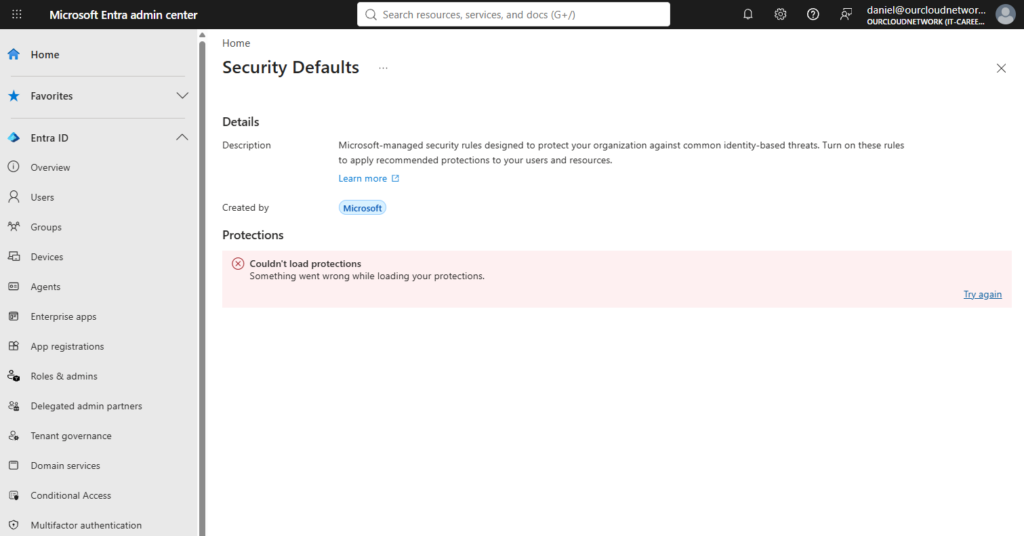
If you are slick enough, you can deduce the URL for the security defaults blade and well as flags from the flighting engine from public information. But even if you get the page to load, the features are still gated behind a server side whitelist!