

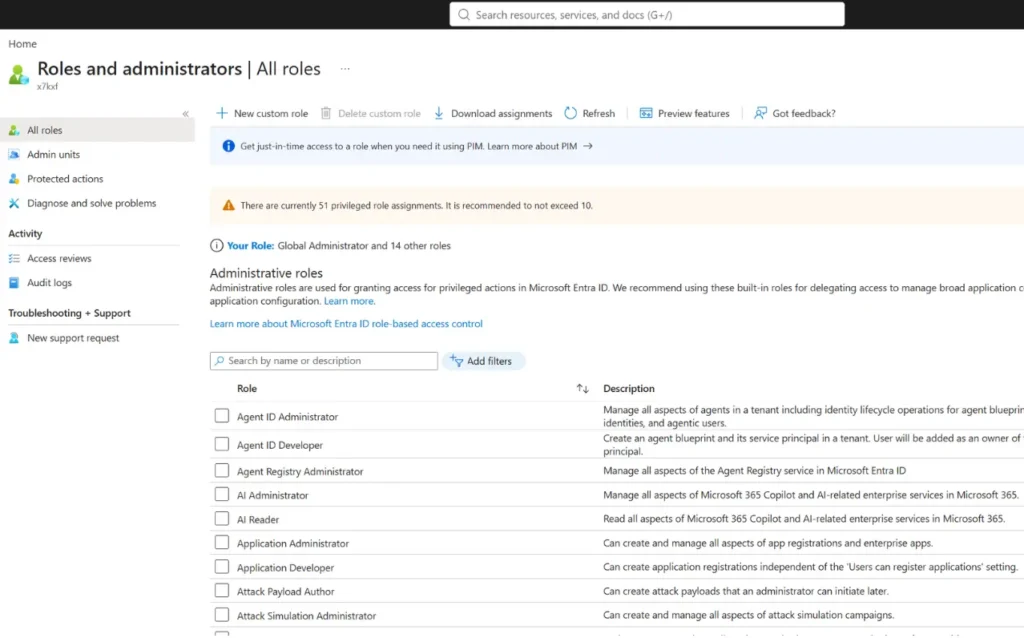
Microsoft have quietly changed four Entra ID built-in roles during the past week, according to data I track through MS Admin Roles. The affected roles are Entra Backup Administrator, AI Reader, Tenant Governance Administrator and Tenant Governance Relationship Administrator. There was no product announcement attached to these changes, but the permissions behind a built-in role determine what its members can do in your tenant.
MS Admin Roles takes regular snapshots of Microsoft 365 role definitions and keeps their version history. Sort the site by the Recently changed column and the updates become hard to miss. Microsoft can, and does, revise built-in roles as services develop. That makes sense for new products such as Entra Backup and Tenant Governance, although it may create a problem for anyone who approved an assignment based on an earlier permission set.
The current Microsoft Entra built-in roles reference describes Entra Backup Administrator as able to create recovery jobs and manage backup snapshots, where as my tracking detects that it should be able to enable or disable hard deletion protection on users, groups, applications, and service principals too. AI Reader can read Microsoft 365 Copilot settings and a broad set of directory data. Tenant Governance Administrator manages the Tenant Governance service, while Tenant Governance Relationship Administrator manages governance relationships apart from accepting requests. Microsoft marks two of these four roles as privileged.
I do not think administrators should treat a built-in role as a fixed source. A role that met least-privilege requirements when you assigned it may gain access later, without prompting you to approve the revised definition. The immediate risk depends on what Microsoft changed and who holds the role, but the review process is the same, check active and eligible assignments, compare the latest permissions with the previous version, and remove access that is no longer justified. If waiting for potential role changes isn’t to your appetite, then consider creating custom roles now.
If you manage Entra role assignments, filter MS Admin Roles by recent changes and review these four roles now. Then make role-definition changes part of your regular privileged-access review, because waiting for a Message Centre post will leave you reviewing yesterday’s permissions.
