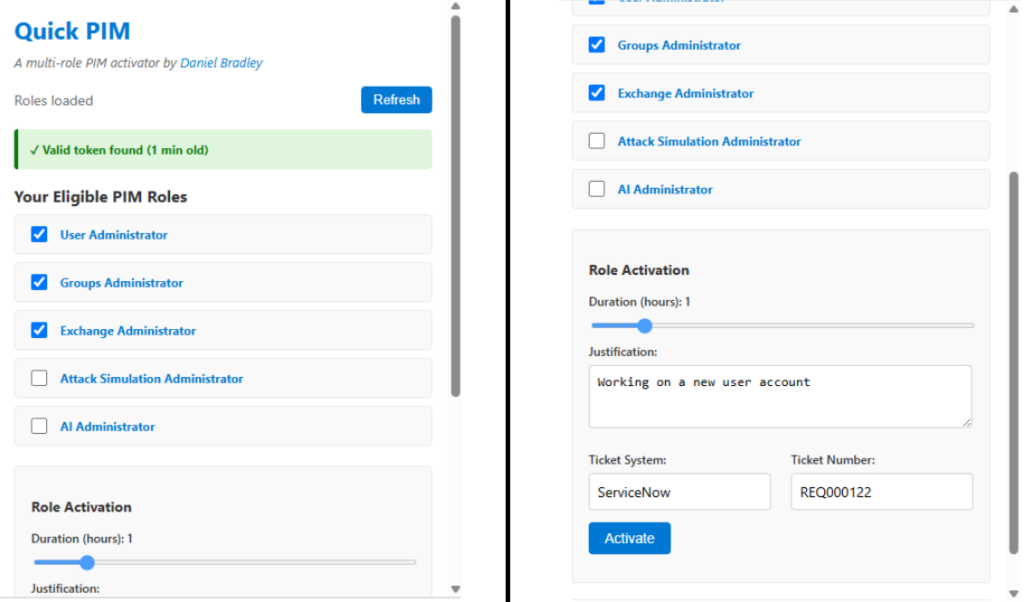
In a well designed Microsoft Entra environment, directory roles will be made eligible through PIM and broken down into least privilege. The drawback to least privilege design is the painstaking process to having to activate multiple roles through PIM when performing tasks that require them.
To solve this problem I create a Google Chrome extension called QuickPIM. QuickPIM significantly speeds up role activation by allowing you to select multiple roles at once and submit a single activation request.
In this article, I’ll highlight QuickPIM’s key features and show you how to use it.
What is QuickPIM?
QuickPIM is a Chrome extension that lets you activate multiple PIM (Privileged Identity Management) roles simultaneously in Microsoft Entra. Designed for convenience, it streamlines and accelerates the role activation process by eliminating the need to use the Microsoft Entra admin center.
How does QuickPIM work?
QuickPIM works by monitoring your browser’s web requests to the Microsoft Graph API. When it detects a request, it extracts the bearer token from the request header and stores it. Using this token, QuickPIM queries the Microsoft Graph API to retrieve all eligible PIM roles for the signed-in user.
The user can then select the roles they want to activate and click ‘Activate’ to enable multiple roles with a single click.
Installing QuickPIM
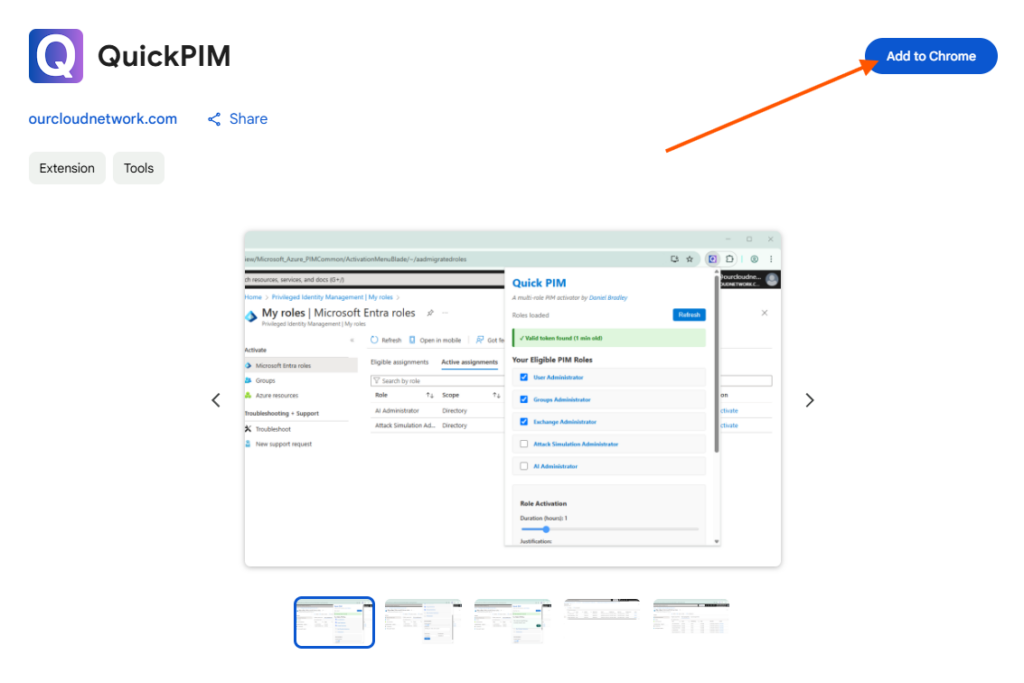
QuickPIM has been verified and published to the Chrome extension store. To install the extension, navigate to the QuickPIM Chrome web store page and click Add to Chrome.
How to use QuickPIM
QuickPIM features a simple design and can be accessed from the Chrome extensions menu. For easy access, it’s best to pin QuickPIM to your browser like this:
Since QuickPIM works by detecting requests to Microsoft Graph, you’ll need to first navigate to the Microsoft Entra portal. Once there, go to the Privileged Identity Management (PIM) section, this should trigger a request, allowing QuickPIM to capture an access token.
Once a valid token has been found, just select each role you wish to activate, define the usual properties and click Activate.
After a few seconds (depending on how many roles you are activating), if successful, QuickPIM will pop up on the screen to confirm the roles are activated.
At this stage, the activation request is sent to the PIM service, which processes and executes it. The time it takes for roles to become available still depends on the Microsoft platform. In most cases, activation is instant, but it can sometimes take up to 60 seconds.
Limitations
QuickPIM has some limitations, including:
It cannot activate roles protected by an Authentication Context or Conditional Access. However, roles that “require Azure MFA” work fine.
When selecting multiple roles with different requirements, such as ‘Require ticket system,’ you only need to fill out all the necessary details once while still activating all selected roles simultaneously.
Contributions and feedback
QuickPIM is a tool I have built for the community, it is free and always will be. You can contribute to the extension and submit issues and feedback on the official GitHub repo.


We just implemented PIM so I’m thinking a good time to try this but I get an error:
Error
Refresh
✓ Valid token found (0 min old)
An error occurred:
Error: API call failed: 403
Are you using https://entra.microsoft.com?